 How to Start an Online Store With No Money
 How Small Businesses Can Use AI for Marketing
 What Is the Metaverse in 2026? Still Relevant?
 The Rise of Foldable Laptops: Gimmick or Future?
 What Is DeFi? Decentralized Finance Explained Simply
How to Extend Your Phone Battery Life in 2026
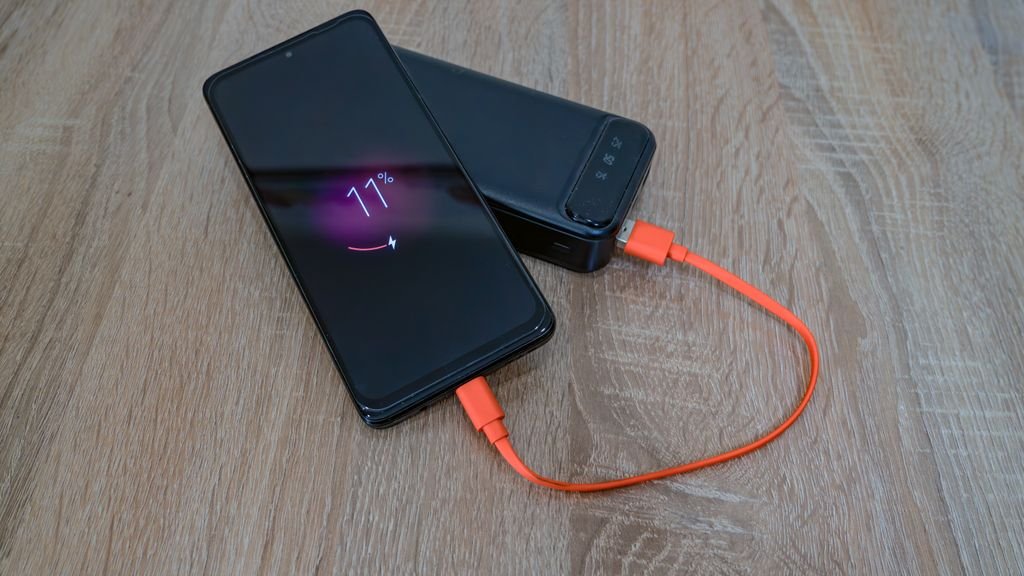
If your phone battery dies before dinner, you are not alone. The good news is that learning how to extend phone battery life is mostly about small settings changes and better charging habits, not buying a new phone. This guide covers what actually works in 2026, for both iPhone and Android.
Battery Life vs Battery Health: Know the Difference
There are two different goals here. Battery life is how long a single charge lasts today. Battery health is how much capacity is left after two or three years of daily charging. A phone at 85 percent health loses 15 percent of its capacity, so a battery that once lasted 12 hours now lasts about 10.
1. Start With the Screen, Your Biggest Battery Drain
If you are learning how to extend phone battery life, the display is the best place to start, because it uses more power than anything else. Lower the brightness: indoors, 40 to 60 percent is usually enough. Set the screen timeout to 30 seconds, so the display does not stay lit after every quick glance. Turn on dark mode if your phone has an OLED screen, because black pixels on those screens switch off completely. Finally, switch the refresh rate from 120Hz to adaptive mode. This matters even more on large displays, and the new foldable phones with their extra-large screens drain faster than regular phones for the same reason.
2. Follow the 20-80 Rule When You Charge
Modern phones use lithium-ion batteries, which are happiest in the middle of their charge range. They suffer most when they sit at 100 percent for hours, or drop close to zero again and again. That is why experts recommend the 20-80 rule: plug in before the battery falls below 20 percent, and unplug at around 80 percent. Apple explains that lithium-ion batteries lose a little capacity with every full charge cycle, so fewer deep charges means a longer-lasting battery.
3. Turn On Your Phone’s Built-In Battery Protection
Phone makers now include charging protection for free, and switching it on is the easiest step in this guide. On iPhone, Optimised Battery Charging learns your routine and holds the charge at 80 percent overnight, finishing the last 20 percent just before you usually unplug. Many Android phones offer something similar, often called adaptive charging or battery protection, which caps the charge at around 80 to 85 percent. Open your battery settings today and turn it on.
4. Keep Your Phone Cool, Because Heat Is the Real Battery Killer
If there is one enemy of battery health, it is heat. Lithium-ion batteries work best between 0 and 35 degrees Celsius, and high temperatures damage them permanently. The worst everyday causes are sunlight or a car dashboard, gaming while plugged in, and fast charging on a hot day. Fast charging is fine when you need it, but use a slower charger overnight when you are not in a hurry. Every hot charge ages the battery a little, and those small amounts add up over two years.
5. Tame Background Apps and Notifications
Many apps keep working in the background, checking for updates and tracking your location. Open the battery usage screen in Settings and see which apps used the most power in the last 24 hours. If a game or social media app you barely opened is near the top, turn off its background refresh. Set location to “while using the app” instead of “always” for most apps, because constant GPS tracking is expensive. Wearables add to the load as well, because a smartwatch or fitness band stays connected to your phone all day and syncs health data in the background.
6. Use Wi-Fi and Airplane Mode in Weak Signal Areas
Your phone’s radios work hardest exactly when the signal is worst. In a basement, a lift, or a rural area with one bar, the phone keeps searching for a signal and drains the battery fast. If you do not need to be reachable, airplane mode stops the search instantly. When you do need internet, Wi-Fi is usually gentler on the battery than mobile data. Bluetooth uses very little power on its own, so leave it on if you use wireless earbuds during the day. The real drain comes from weak cellular signal and constant location tracking, not from Bluetooth.
7. Turn On Battery Saver Before You Hit 20 Percent
Most people wait for the 20 percent warning before turning on battery saver, but it works better if you switch it on earlier. Low Power Mode on iPhone and Battery Saver on Android limit background activity and lower the brightness, which can add three to five hours to a charge. Try turning it on at 50 percent on long travel days instead of waiting for the warning. Google’s own guide lists the same settings, including adaptive battery and a shorter screen timeout, so the built-in tools on your phone are already the best battery saver you can get.
8. Check Your Battery Health Once in a While
Both iPhone and Android show a battery health screen that estimates how much capacity is left. On iPhone, go to Settings, then Battery, then Battery Health and Charging. On Android, it is usually under Settings, then Battery, then Battery information. Above 85 percent, your battery is fine. Below 80 percent, the phone will die much earlier in the day, and a battery replacement, which is far cheaper than a new phone, is usually the smart fix. Checking this number every few months is a simple part of learning how to extend phone battery life over the long term.
Myths That Waste Your Time
Closing all your apps does not save battery, because reopening them from scratch uses more energy than leaving them paused in memory; only close an app that is frozen or misbehaving. Charging overnight does not ruin a modern phone, because the charging system stops when the battery is full. And you do not need to drain the battery to zero before charging: that advice comes from old nickel batteries.
How to Extend Phone Battery Life: A 5-Minute Checklist
Do these six things tonight: turn on auto-brightness and set the screen timeout to 30 seconds; turn on dark mode on an OLED screen; switch on optimised or adaptive charging; set location to “while using the app”; add the battery saver shortcut to your quick settings; and restrict the top two apps you barely use.
Frequently Asked Questions
Does fast charging damage my battery? Using it when you need it is fine, but daily fast charging adds extra heat, so use a slower charger when you have time, especially overnight.
Is it bad to charge my phone overnight? No. The charging system stops at 100 percent, and Optimised Battery Charging holds the charge at 80 percent until just before you wake up.
Why is my battery draining fast all of a sudden? Check the battery usage screen first. A recent app update, a rogue app in the background, a weak signal area, or a hot day are the usual causes.
The Bottom Line
You do not need a new phone or a power bank to fix a battery that dies too early. Learning how to extend phone battery life comes down to a few habits: keep the screen under control, charge in the middle range, keep the phone cool, and let the built-in protection do its work. Do the five-minute checklist tonight.